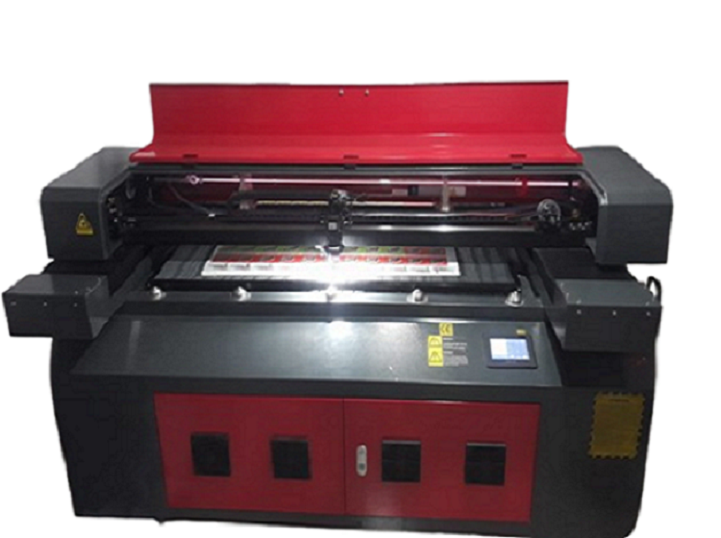
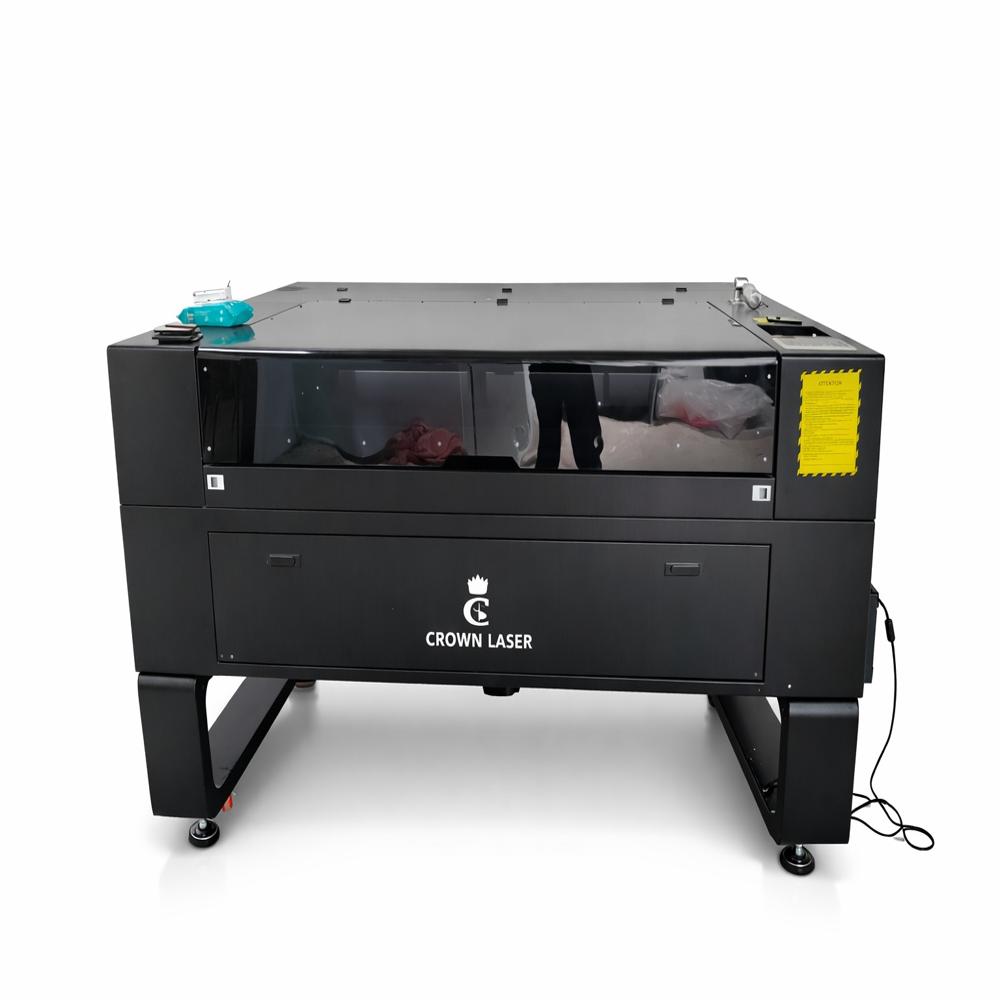
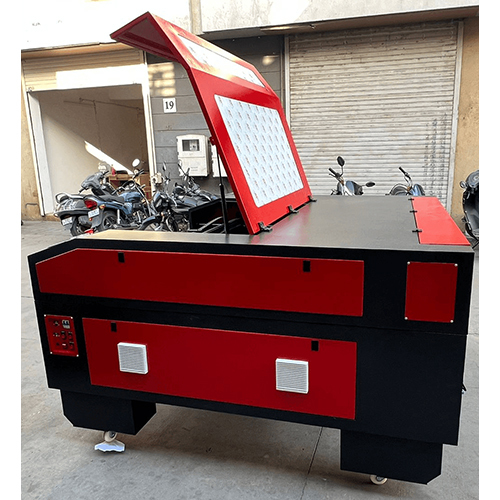
About LASER MACHINE 1325
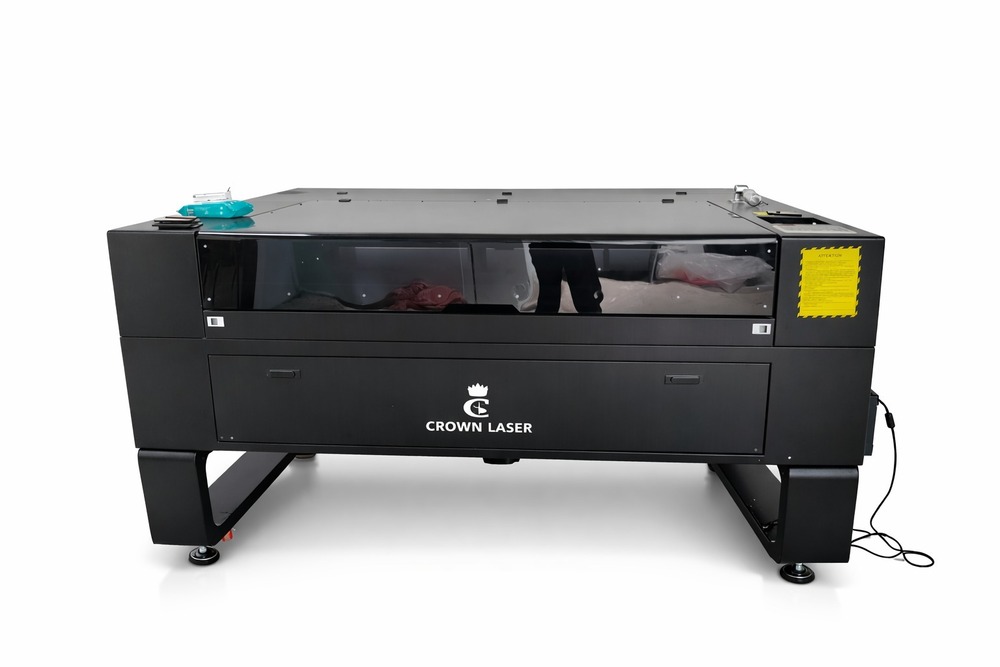
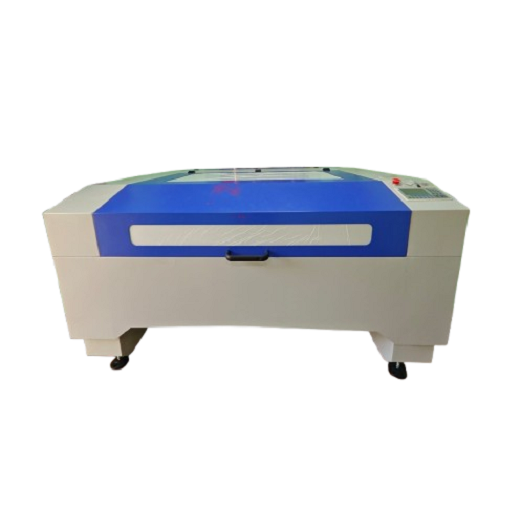
CW-1325 CO Laser Cutting & Engraving Machine is a heavy-duty industrial laser system designed for high-precision cutting, engraving, and marking of non-metal materials. Featuring a
1300 x2500 mm working area (4 x 8 feet), this machine is ideal for large-format acrylic sheets, MDF, plywood, wood, leather, fabric, rubber, paper, and signage applications. It offers high-speed processing, excellent accuracy, and reliable performance for commercial and industrial production environments.
Features
- Large 1300 x 2500 mm working area for full-sheet processing
- High-speed cutting and engraving with smooth edge finish
- Precision linear guide rail motion system
- Red-dot positioning for accurate alignment
- Honeycomb and blade worktable options
- Offline operation through DSP controller and USB support
- Stable heavy-duty frame for continuous production
- Energy-efficient and low-maintenance design
- Suitable for signage, furniture, dcor, packaging, and customized manufacturing industries
- CW-1325 CO Laser Cutting & Engraving Machine by Paras International features a 1300 x 2500 mm working area and advanced CO laser technology for precision cutting and engraving of acrylic, MDF, plywood, wood, leather, fabric, rubber, paper, and other non-metal materials. Equipped with a water-cooling system, Ruida controller, and high-speed motion components, it delivers outstanding accuracy, productivity, and dependable performance for industrial and commercial applications.
Exceptional Versatility and EfficiencyThe LASER MACHINE 1325 is built to handle a variety of materials such as acrylic, plywood, rubber, and stone with high cutting precision. Its generous 1300 x 2500 mm working area supports large projects, while a powerful 180W CO2 laser ensures efficient, accurate, and rapid processing. The touch screen interface offers intuitive operation, making the machine suitable for both experienced professionals and new users.
Eco-Friendly and User-Friendly DesignDesigned for modern workshops, this laser machine is engineered for quieter operations and reduced energy usage. Water cooling keeps the system stable even during intensive work. With compatibility for DXF graphics and seamless integration with CorelDRAW, users benefit from a smooth workflow for customized cutting jobs. Its straightforward controls mean you can maximize output with minimal training.
FAQ's of LASER MACHINE 1325:
Q: How does the LASER MACHINE 1325 operate and what materials can it cut?
A: The LASER MACHINE 1325 operates using a high-powered 180 Watt CO2 laser, guided by CorelDRAW control software. It efficiently cuts and engraves materials including acrylic, wood, rubber, leather, plastic, stone, and paper, handling thicknesses up to 18 mm.
Q: What are the main benefits of using the LASER MACHINE 1325?
A: This machine offers high performance, precise cutting, and versatility across multiple materials. With features such as a large working area, touch screen controls, eco-friendly operation, low noise, and lower energy consumption, it increases productivity while minimizing operational costs.
Q: When is the LASER MACHINE 1325 most effective for use?
A: The machine is ideal for continuous, high-volume cutting and engraving applications due to its robust build and stable water cooling system. It is especially effective when precision, speed, and clean-cut edges are required, making it suitable for industrial manufacturing, signage, and crafts.
Q: Where can this machine be installed and what are its space requirements?
A: The LASER MACHINE 1325 is primarily intended for industrial or commercial settings in India. With a dimension of 11.15 x 6.5 x 4 feet and weighing 900 kg, it requires a spacious, well-ventilated area with a single-phase 220V power supply.
Q: What process should be followed for preparing files for cutting?
A: Designs should be created or exported in DXF format, compatible with the CorelDRAW control software. Proper file setup ensures accurate transfer to the machine and precise execution during cutting or engraving operations.
Q: How do I use the touch screen control panel?
A: Simply use the intuitive touch screen interface to select files, adjust settings such as speed and power, and monitor progress. Its simple design allows for minimal training before operation, streamlining the workflow.




 Send Inquiry


 Send Inquiry